Free storyboard templates, built on real film grammar
Three print-ready PDF templates: a classic 6-panel board, a 9-panel thumbnail grid, and a cinematic shot sheet. Every field speaks the language a working director uses — shot size, camera angle, movement, and the cut into the next shot. No email wall, no watermark. And when you would rather not start from a blank page, our AI Director drafts the whole board for you.
Free for personal and commercial projects. Downloads need no signup.
Pick your template
All three are vector PDFs designed to print crisply at 100% scale on a black-and-white printer, in both A4 and US Letter.
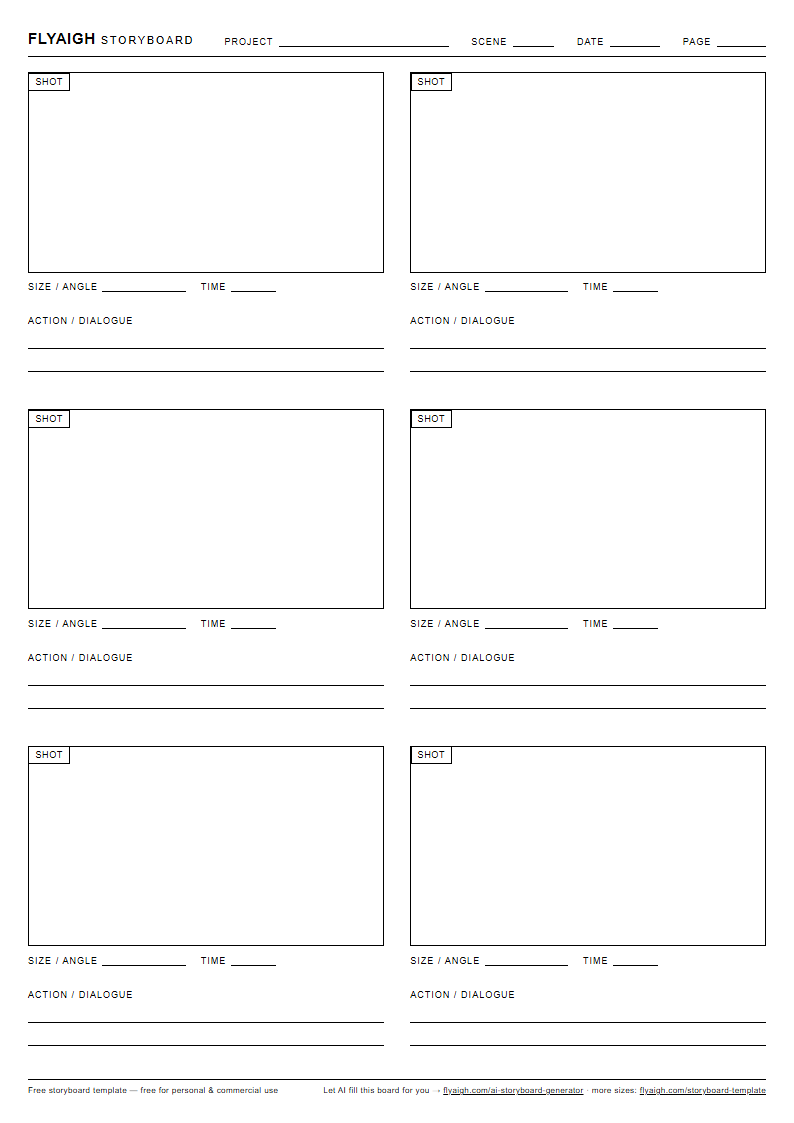
Classic 6-panel storyboard
The standard board for most video work. Six 16:9 frames per page, each with room underneath for action and dialogue, shot size, and timing. Print a stack and board a whole scene.
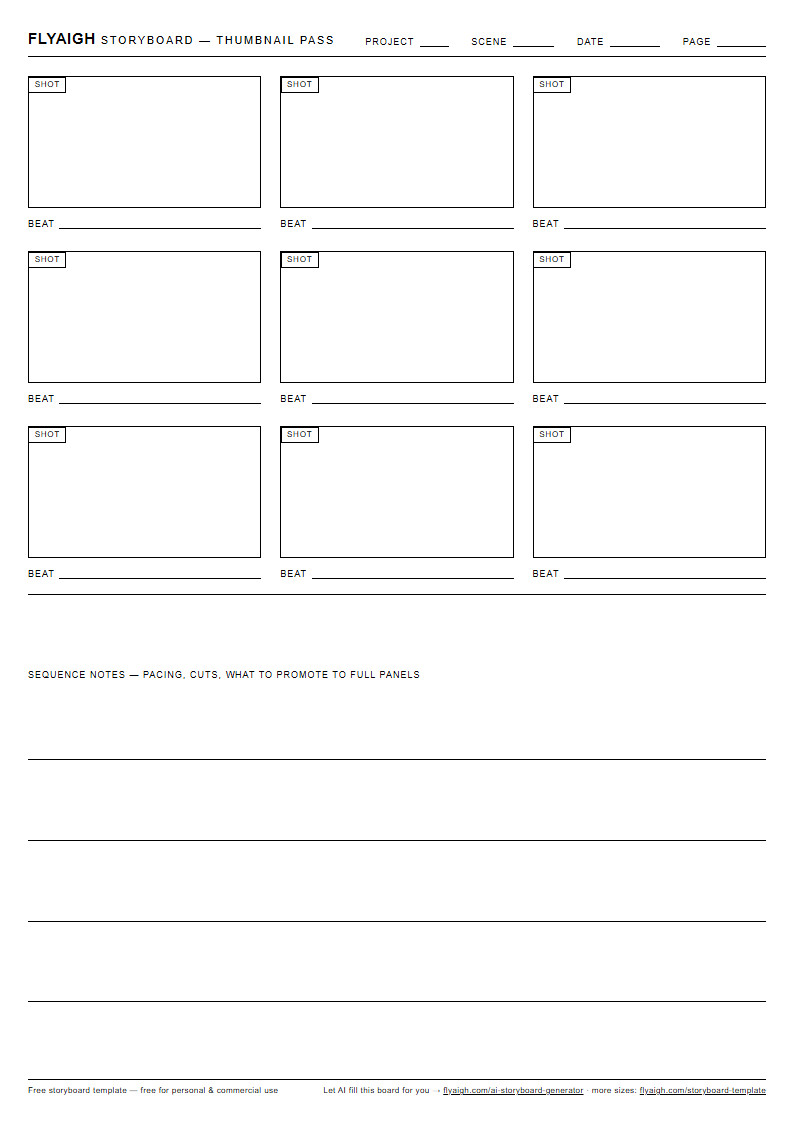
9-panel thumbnail grid
For the fast first pass. Nine smaller frames per page let you beat-board an entire sequence before committing to detailed panels. Loose stick figures welcome — this pass is about finding the rhythm, not the drawing.
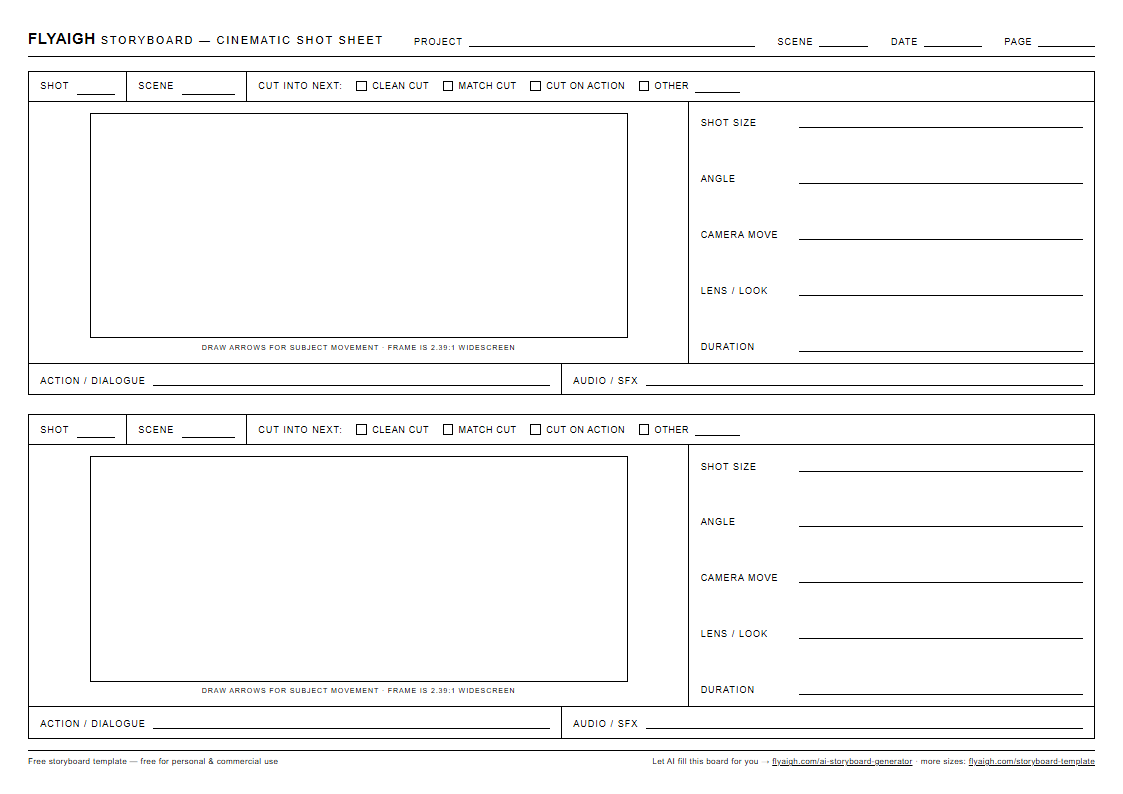
Cinematic shot sheet
Two widescreen frames per page with a full grammar block under each: shot size, camera angle, movement, dialogue and audio, estimated duration, and how the shot cuts into the next one. This is the template our own AI Director maps its shot plans onto.
Why these templates look different
Most free storyboard templates are empty boxes with a line for notes. Ours carry the fields a real shot plan needs — the same grammar our AI Director works in when it plans a board:
Shot size and angle, named
Wide, medium, close-up; eye-level, low, high. Writing the frame down before you draw it forces a real visual decision instead of a doodle — and adjacent panels with identical size and angle become easy to spot and cut.
Camera movement on every panel
Static, pan, tilt, push-in, tracking. A board that ignores movement gets re-planned on set — or re-generated, in the AI era. Arrows in the frame show subject motion; the field below records what the camera does.
The cut, not just the frame
Each panel notes how it transitions into the next — clean cut, match cut, or cut on action. Boards that plan their cuts read like a film. Boards that do not read like a slideshow.
Sound under picture
A dialogue and audio line sits under every frame, because half of what makes a cut work is what carries across it — a line of dialogue, a door slam, silence.
How to fill in a storyboard template
The same six passes work whether you are sketching with a pencil or briefing an AI generator.
- 01
Start with beats, not drawings
Write one line per story beat — what changes in this moment. Count the lines: that is roughly your shot count, and it tells you how many panels to print.
- 02
Block each beat into a frame
Stick figures are fine. What matters is where the subjects stand, where the camera stands, and what is inside versus outside the frame.
- 03
Name the shot
Fill in shot size and angle for every panel. If two adjacent panels carry the same size and the same angle, ask whether you actually need both.
- 04
Add movement
Draw arrows inside the frame for subject movement. Use the field below the frame for camera movement — even writing STATIC is a decision worth recording.
- 05
Write the sound line
A snippet of dialogue or the key sound under each panel. If a panel has no sound worth noting, that silence is worth noting too.
- 06
Plan the cuts and the clock
Estimate seconds per shot and note the cut type into the next panel. Then read the whole board aloud with a stopwatch — that number is your first rough cut.
Skip the blank page — let AI draft the board
FlyAIgh Director takes a one-line idea or a full script and returns a shot-by-shot storyboard: a consistent cast, shot size, camera movement, and the cut into every next shot — the same fields as these templates, already filled in. You refine, it re-plans. Then each shot renders as real video on flagship models. Drafting the storyboard is free to try; credits are only spent when you generate images or video.
Open Director and draft itRelated reading on FlyAIgh:
Storyboard template FAQ
Are these storyboard templates really free?+
What format are the templates, and will they print correctly?+
How many panels does a storyboard need?+
What is the difference between a storyboard and a shot list?+
Can I use these templates digitally, on an iPad or in Google Slides?+
Can AI fill in the storyboard from my script?+
Is a film storyboard template different from a video storyboard template?+
From board to actual footage
Print a template and start sketching — or hand the whole job to Director and get a board you can immediately shoot as AI video, shot by shot, with the cast intact.
Open FlyAIgh Director